Start with a style
Choose Trap, Lo-fi, Rock, Funk, or EDM. Each preset gives you a starting pocket with a kick, a backbeat, and a hat pattern.
Pattern grid
Transport
Choose a feel, listen once, then change the pattern.
AI Prompt
The beat plays locally. AI song generation is a frontend preview until a generation service is connected.
Give a song idea a pulse before building its full arrangement. Start from a style, change the 16-step pattern, and listen to the result. The prompt captures your audible drum rows, tempo, and swing, so the rhythm stays specific when you move to a song brief.
Listen, change one thing, and listen again. Small edits make the job of every drum easier to hear.
Choose Trap, Lo-fi, Rock, Funk, or EDM. Each preset gives you a starting pocket with a kick, a backbeat, and a hat pattern.
Move kicks for weight, hats for motion, and claps for emphasis. Use Mute or Solo to understand what each row contributes.
Copy the prompt when the pattern feels right. It includes the active, audible steps plus tempo and swing, ready to use in your next song brief.
A clear grid, a few useful controls, and an easy way to keep the rhythm you have made.
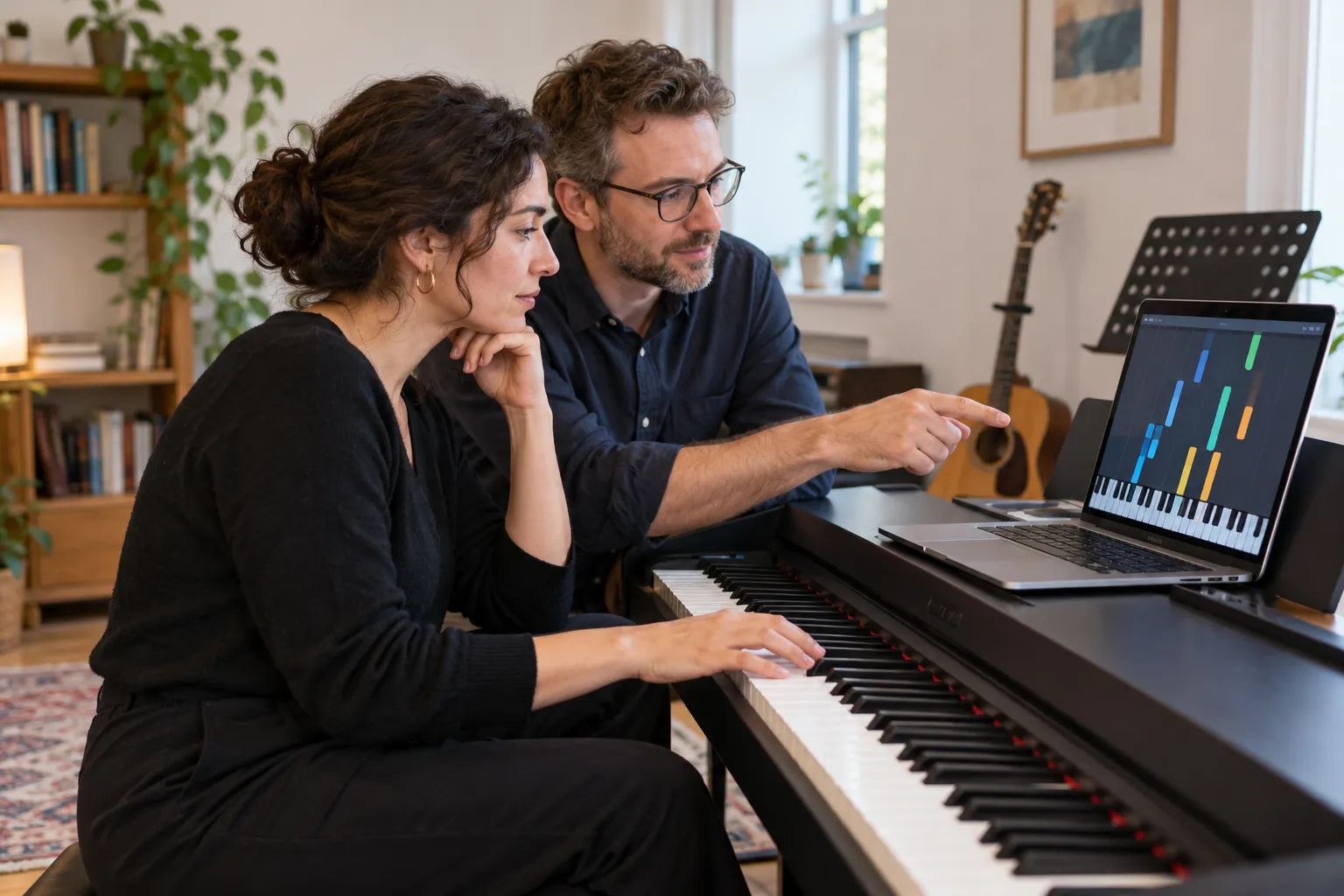
A working groove is easier to react to than an empty page. Choose a style, keep the parts that work, and remove the rest. Clear gives you a completely blank grid whenever you want one.
Sketch a Beat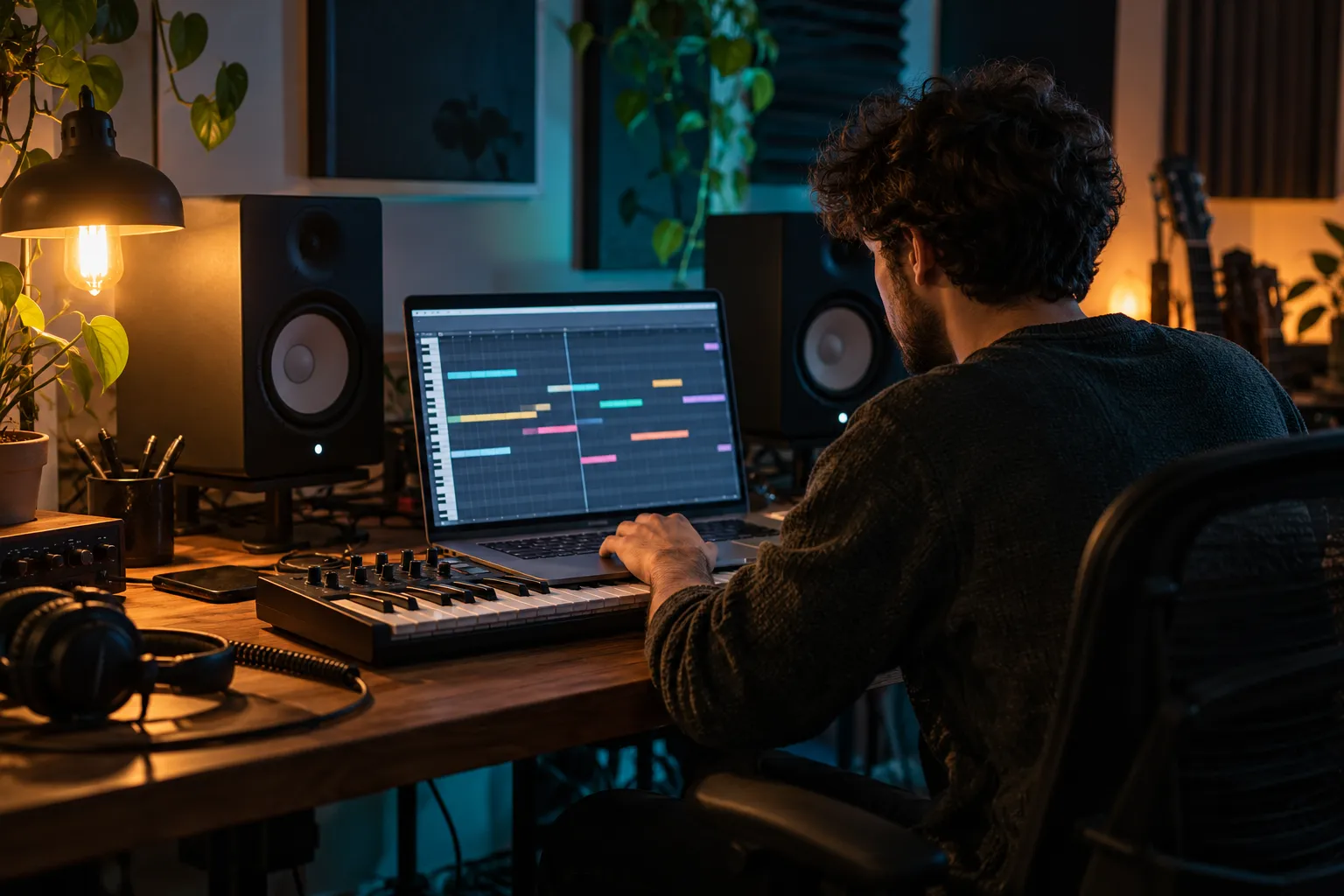
Each row is a sound and each column is a sixteenth-note step. The moving playhead connects what you see with what you hear. Steps 1, 5, 9, and 13 mark the four main beats.
Sketch a Beat
Use BPM for the energy and swing for the timing between steps. At 50% the spacing is even; higher settings delay alternate steps while keeping the bar length stable.
Sketch a Beat
The prompt updates with the current rhythm. Muted rows and rows excluded by Solo do not appear, so the written brief matches the parts you actually hear.
Sketch a BeatTest whether a melody wants a steady pulse, an open backbeat, or a busier hat pattern.
Keep a simple loop playing while you explore phrasing, cadence, and where a line should land.
Capture the kick, snare, and swing before opening a larger session. The copied prompt keeps the detail readable.
Describe a loopable pulse for a video, menu, intro, or game scene, then add the mood and instrumentation.
How the sequencer, swing, browser sound, and prompt handoff work.
It is a browser sequencer: choose which drum hits play on each of 16 steps, then loop the bar at your chosen tempo.
Yes. Start with a preset and change one row at a time. The highlighted playhead shows where each sound falls in the bar.
50% gives equal step spacing. Increase it a little to delay alternate sixteenth notes. Listen after each change to find a comfortable groove.
No. The sounds are synthesized locally with Web Audio oscillators and noise. No sample download or upload is needed.
This drum machine does not export audio, MIDI, or saved projects. Copy Beat Prompt preserves a readable description of the current audible pattern.
It turns a vague beat idea into exact steps, tempo, and swing. Open the music generator to use it as a starting brief; actual AI generation still requires a connected service.