AI Phonk Maker
Describe a Phonk idea and guide the cowbells, bass, vocal texture, and rhythmic character.
Original local synthesizer demos, not AI-generated results. Music generation, accounts, and credits are not connected.
Describe a Phonk idea and guide the cowbells, bass, vocal texture, and rhythmic character.
Original local synthesizer demos, not AI-generated results. Music generation, accounts, and credits are not connected.
A phonk maker starts with a genre-focused brief: the cowbell pattern, bass movement, drum feel, vocal texture, and energy curve. It helps organize ideas for drift edits, game montages, workout clips, or a full track. This preview offers the planning controls and original demos; AI music generation is not connected.
Choose a subgenre and give the cowbells, bass, vocals, and texture distinct roles.
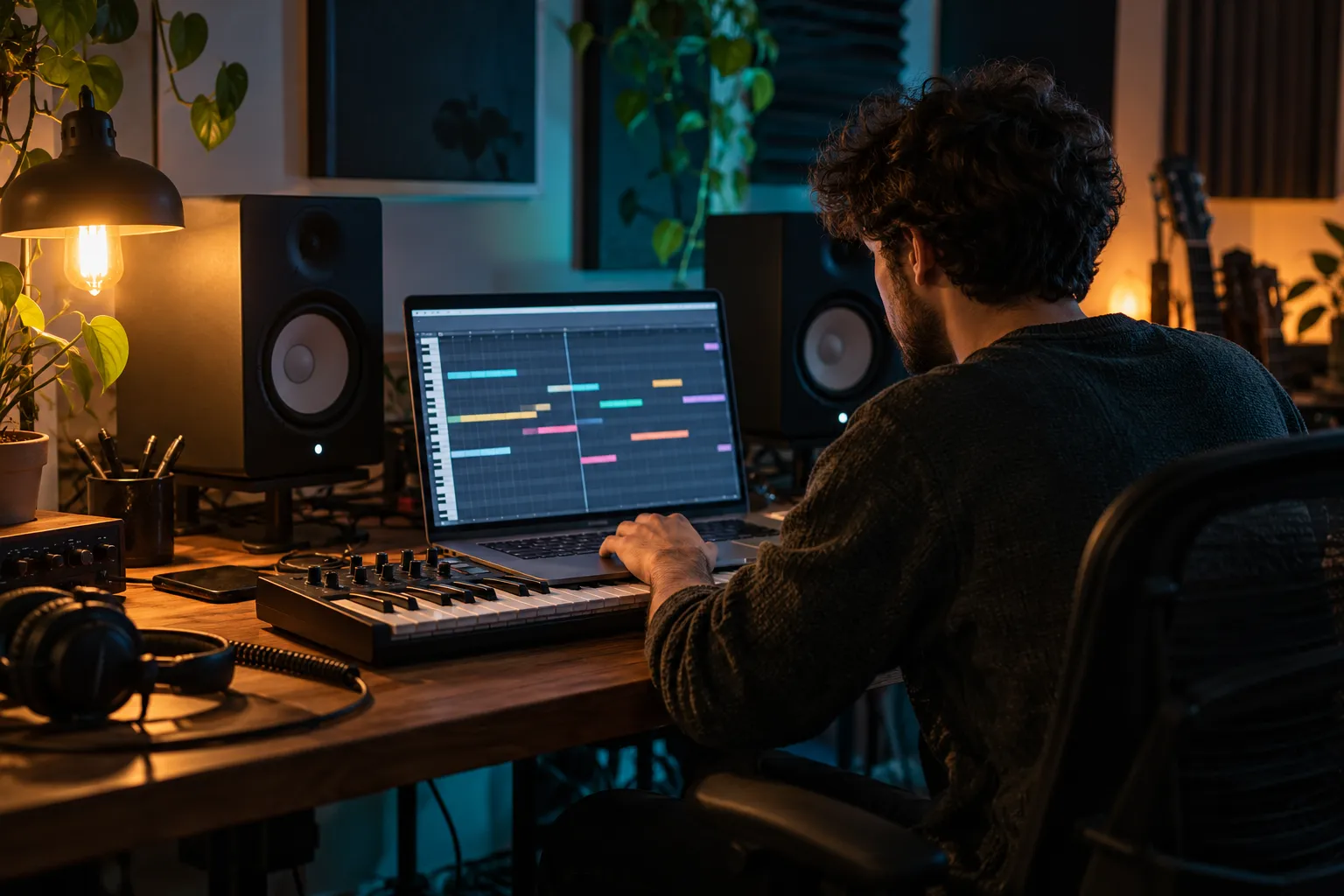
A night-drive sequence, a rapid game montage, and a complete vocal track need different arrangements. Describe the project, the main emotional turn, and where the strongest moment should arrive. That context makes the rest of the phonk brief easier to keep focused.
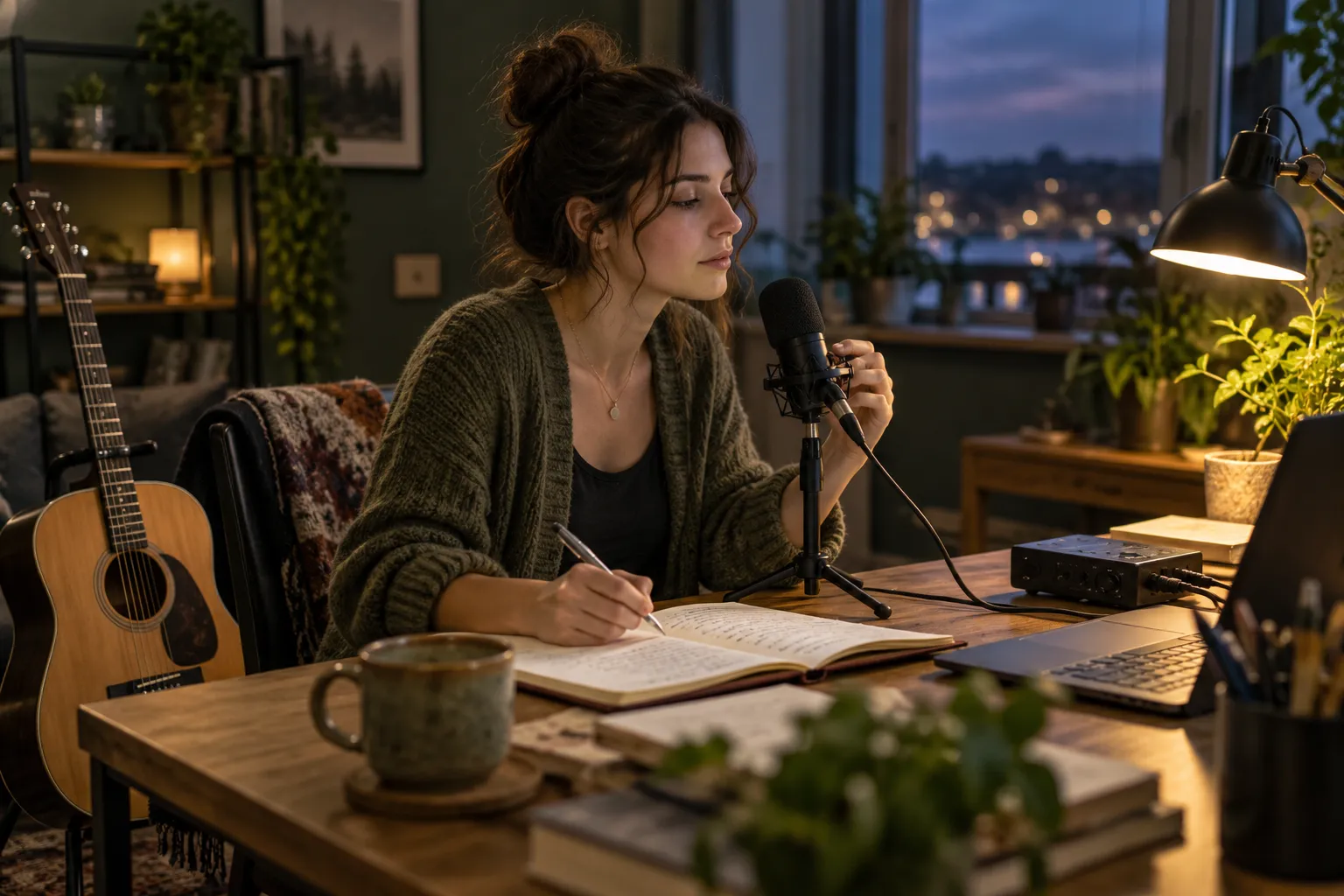
Specify whether a sharp cowbell melody or a heavy bass pattern should lead. Add a drum feel and a texture, such as tight percussion or dusty tape character. Avoid making every element distorted and dominant if the track also needs clarity for dialogue or an edit.
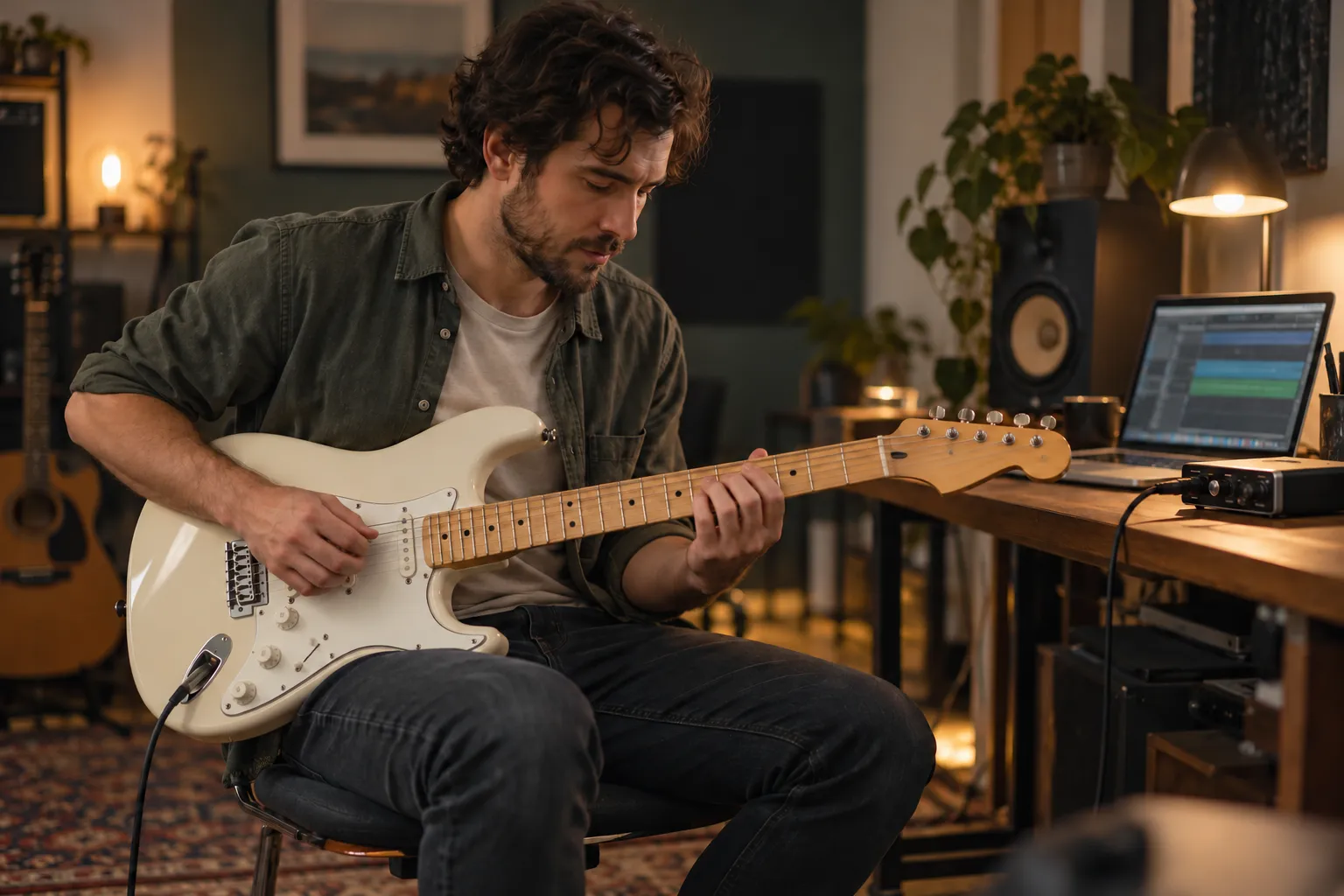
Decide whether the idea needs original lyrics, a particular vocal character, or no lead voice. Use Own Lyrics for words you are allowed to use. Choose instrumental for an edit that needs the music to support gameplay, engines, narration, or other foreground sound.
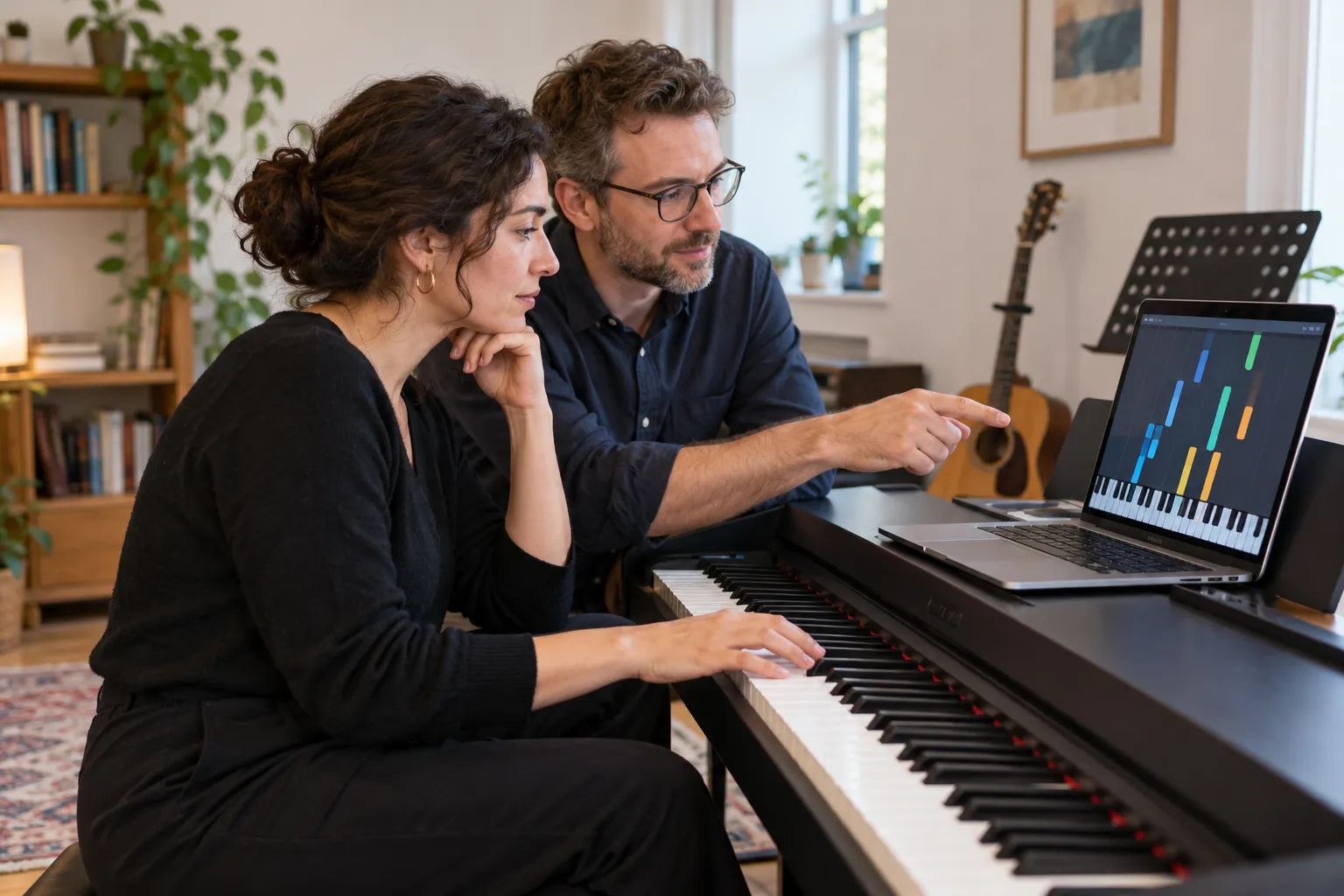
Listen for a readable lead, controlled bass, and transitions that match the visual pace. A bigger drop is not always a better fit. Make one change at a time when comparing directions so you can hear whether a new prompt actually solves the problem.
Move from the project to the sound, then check that the arrangement supports both.
Name the drift edit, workout, game montage, or song. Add the atmosphere and whether the track should remain steady or build to a drop.
Use a coherent subgenre and a few sound anchors: cowbell rolls, sliding bass, percussion, vocal texture, or restrained vinyl character.
Compare your direction with the needs of the edit. The current interface plays original demos, but generating a new phonk track requires the service connection.
The same genre can play a different role depending on what the project needs.
Plan accents around visual transitions. Choose how much space the music leaves for engine sound, dialogue, or the movement of the cut.
Describe the setup, impact, and release of tension. A clear change in the arrangement can support highlights without filling every moment.
Build around the pace of the session. Match the pulse to warm-up, heavier sets, or fast-cut sequences while keeping the sound coherent.
Use the brief to learn how subgenre, lead sound, bass, and texture interact. Specific listening notes are more useful than adding more tags.
Practical guidance on sound direction, vocals, workflow, and availability.
A connected music generator can use a phonk-focused description to create a track or instrumental draft. This preview lets you prepare that description and listen to original local examples.
Choose Prompt or Own Lyrics, set vocal or instrumental direction, and add sound tags. The Generate action currently shows a service-connection notice instead of returning new audio.
The style controls let you describe directions such as drift, Memphis, Brazilian, dark, house, or gym phonk. Be specific about the rhythm and lead rather than relying only on the label.
Say which part leads, how busy it should be, and how the kick and bass interact. For example, ask for a sparse cowbell motif, sustained bass slides, and space between the accents.
Yes. Enable Instrumental Only and keep the brief focused on the lead, bass, drums, and arrangement. That setting does not generate audio until the service is connected.
This preview does not grant a commercial license for future generated tracks. Check the actual license and your rights to any lyrics, recordings, and samples before releasing a project.
Yes. Begin with the intended use and a small set of sounds you can describe. You can explore the controls without creating an account or purchasing generation credits here.
No additional software is needed to prepare the brief or play the demos. A DAW may still be useful later for arranging, mixing, and checking a finished track.