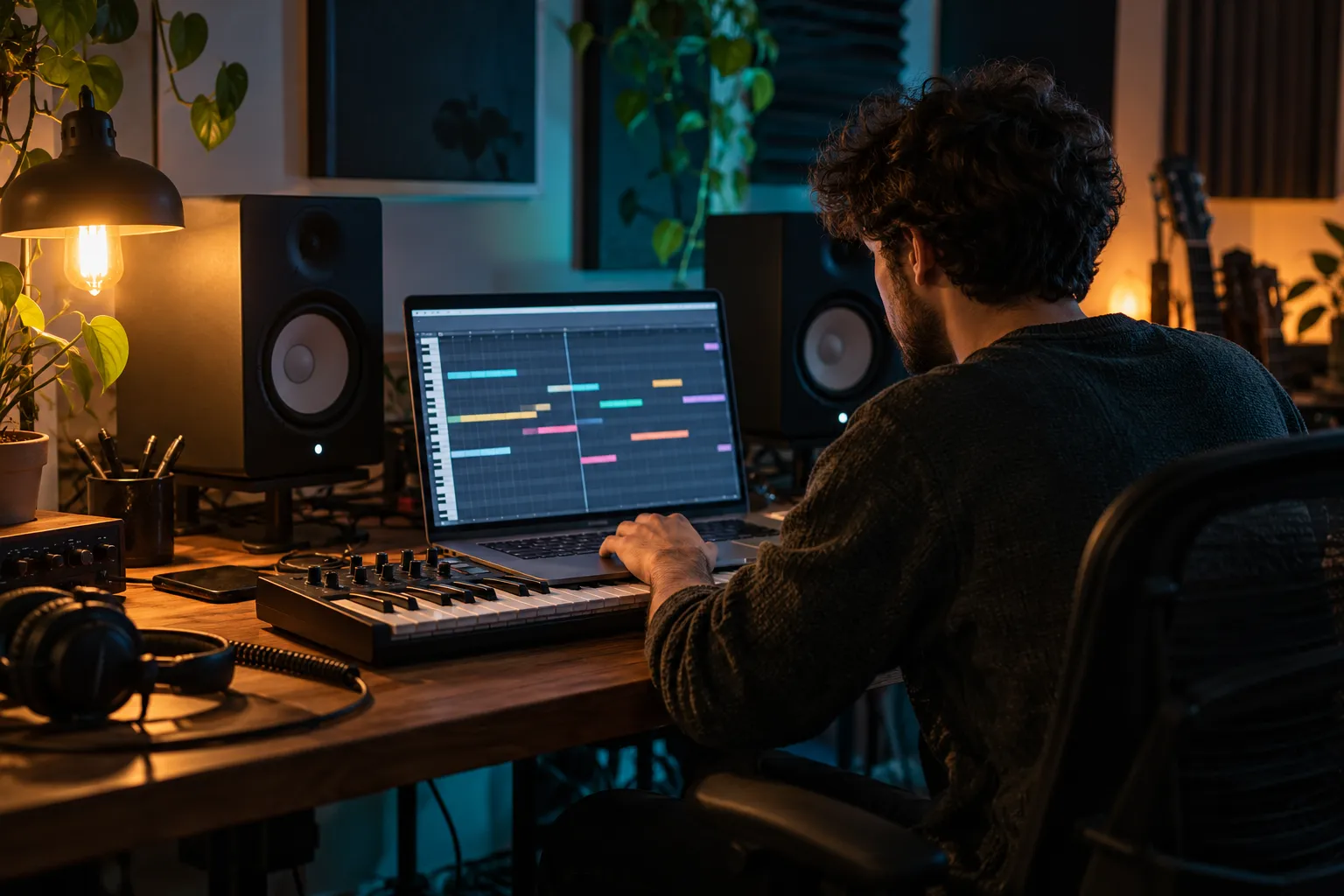
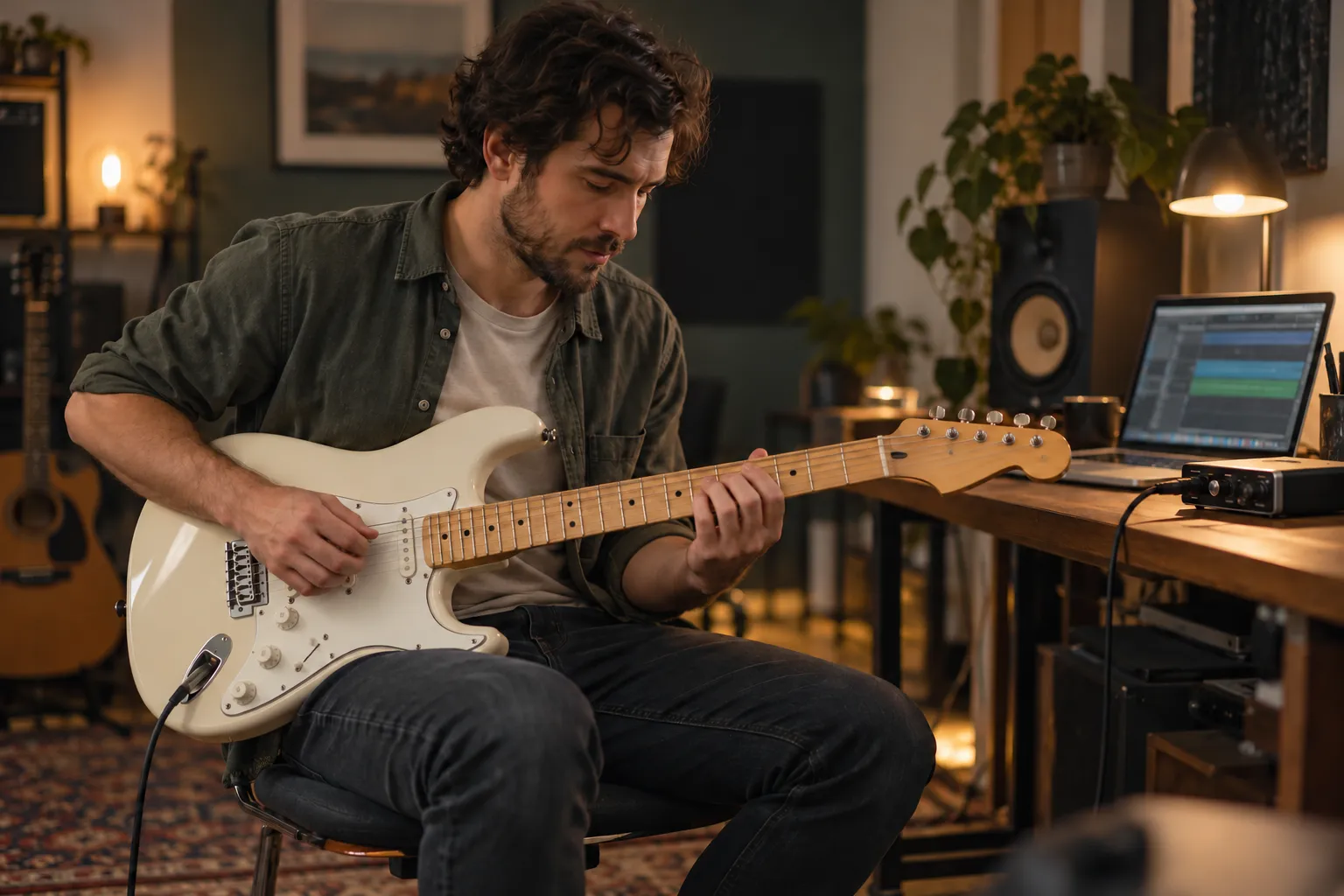
Choose a track, loop, or voice memo for a warm lo-fi treatment with slowed motion, softened tone, and texture.
Drag and drop an audio file here.
Supports MP3, WAV, OGG, M4A, AAC, FLAC, and WMA.
Local file selection only. No audio is uploaded. Maximum file size: 50 MiB.
What Is a Lo-Fi Converter?
A lo-fi conversion applies a softer, more textured sound to an existing recording. This local preset combines 0.85× playback, a low-pass tone, subtle vinyl texture, reverb, and gentle bass. Compare your original recording with the rendered WAV before keeping the result.
Prepare Audio for a Lo-Fi Pass
Start with a useful source, understand the effect, and compare before keeping a result.
1
Select Your Source
Choose a supported file you own or are permitted to process. A clear loop, melody, or instrumental often gives a texture treatment more room to work.
2
Plan the Texture
Start the local render to apply the fixed lo-fi preset. The browser processes your source recording and reports progress; you can cancel without uploading the file.
3
Compare and Download the Result
Listen to the original and rendered audio, checking the groove and noise level. Download the WAV if the result suits your project, and keep the source for later revisions.
Give Existing Audio a Softer Direction
Lo-fi is a texture decision, with the original music still at the center.
Aim for Warmth Without Losing the Idea
Softer highs and a gentle noise layer can change the atmosphere of a recording. Keep the melody and pulse readable instead of adding texture until the music disappears. A focused treatment works best when the source already has an idea worth preserving.
Prepare a Quick Browser-Based Test
File selection, source playback, local rendering, and WAV download stay in one workspace. The source recording is processed with the actual effect preset rather than substituted with a demonstration file. Short clips are a useful starting point, especially on phones.
Listen Before Committing to the Texture
Listen under the narration, scene, or activity the audio is meant to support. A noise layer that feels subtle in headphones may distract in a quiet voiceover. Check the beginning, transitions, and ending rather than judging only a short middle section.
Keep the Next Editing Step in Mind
A processed file may still need trimming, looping, level adjustment, or additional arrangement work. Keep your original source so you can revise the treatment later. File conversion or added texture does not change the rights attached to the music.
Who Uses a Lo-Fi Treatment?
A softer version can serve a project when its source, pacing, and atmosphere already fit.
Video Creators
Test whether a softer music bed supports speech and visuals. Keep enough detail for the cue to remain intentional.
Producers
Use a texture sketch to decide whether an idea deserves a deeper arrangement or mix. Keep the original for a fair comparison.
Study-Playlist Curators
Simple instrumentals and gentle loops may suit focus-oriented listening. Check repetition and noise over a longer listen.
Game and Podcast Makers
Explore a calmer variation for a menu, intro, transition, or ambient bed. Match the texture to the rest of the project.
Lo-Fi Converter Questions
What changes, source rights, file support, workflow, and cleaner results.
What does a lo-fi converter change?
A lo-fi treatment can soften frequency balance, change the sense of speed, and add a noise texture. It colors existing audio rather than writing a new composition.
How does this lo-fi workspace work?
Choose a supported local file, listen to the source, and press Convert Audio. Once the render finishes, compare the processed player and download the generated WAV.
Can I turn any song into lo-fi?
Different sources respond differently, and a dense or clipped recording may become muddy. Use material you are allowed to process; a style change does not make copyrighted music royalty-free.
Which formats are supported?
The file selector lists the accepted formats and duration limits. Browser decoding also matters, so a file may need a valid, compatible encoding before it can be previewed.
Do I need production software?
No additional software is needed. The effects run locally in a compatible browser. A DAW remains useful for detailed mixing, editing, or a full remix.
How can I get a cleaner lo-fi sound?
Begin with a clean, unclipped source and avoid excessive noise or filtering. Listen at a normal level and keep enough attack and low-end definition for the groove to remain clear.